How to Use Ancestry Pro’s Tree Checker to Find and Fix Duplicate People in Your Family Tree
Duplicate profiles are one of the most common problems in online family trees. They sneak in easily. Sometimes a person appears in a census under a first name and in a marriage record under a middle name and two records get created for them. Ancestry doesn’t realize they are the same person and creates two records for them. It happens!
But the trouble begins when information starts to get split across those duplicates. Records attach to one profile, but life events attach to the other. Hints show up in only on one record. And if the duplicates involve DNA-linked individuals, the confusion can ripple into Ancestry’s match algorithms.
Ancestry Pro includes a tool called Tree Checker that helps you clean all of this up.
Why Duplicates Matter
When the same ancestor exists twice in your tree, you may see:
missing or inconsistent hints
split or incomplete timelines
records attached to the wrong version
confused parent or child relationships
less accurate DNA match and hint suggestions
Cleaning up duplicates makes your research cleaner and prevents future problems from piling up.
How to Access Tree Checker
Open your tree and look on the left-hand menu. Clcik the three dots and then click Tree Checker. Tree Checker allows you to view different categories of issues, but the simplest place to start is the Duplicates section. Modify your filters to only sort on duplicates.
As an aside - some trees have no duplicates. Some have dozens. I have reviewed trees with more than 300 duplicates!
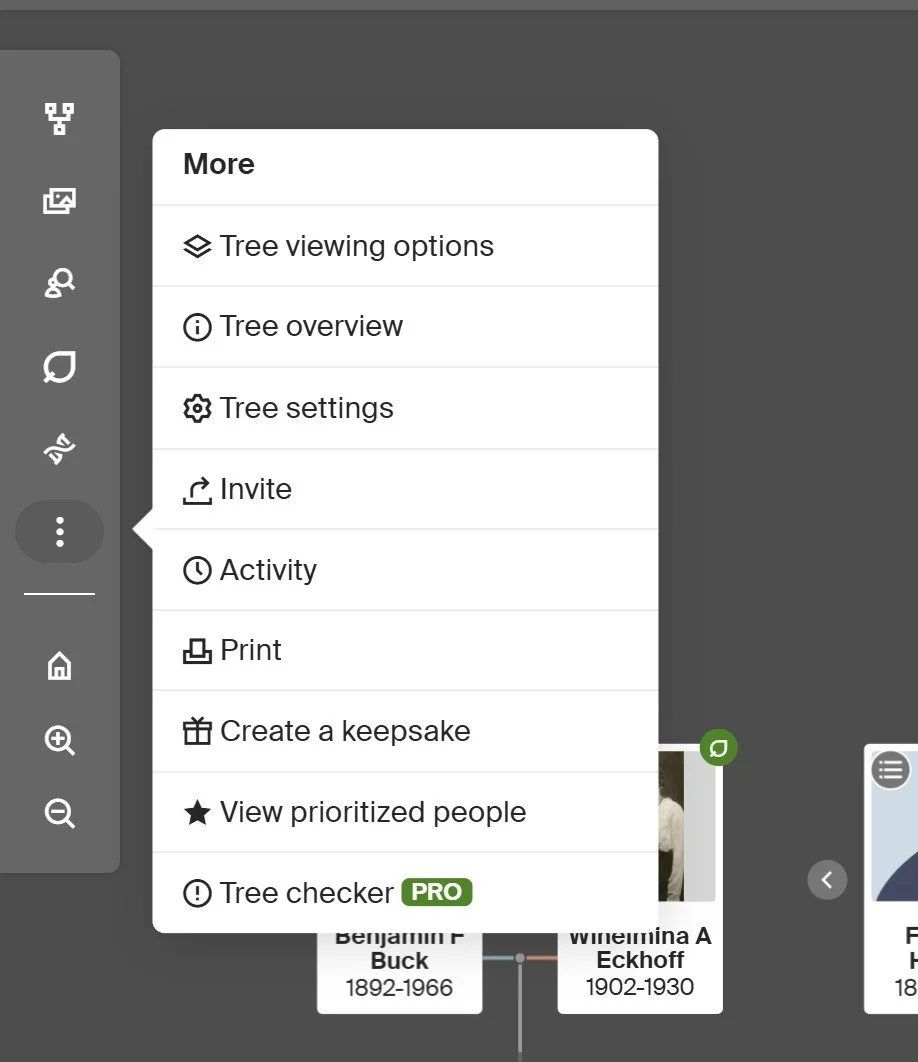
Tree Checker Location
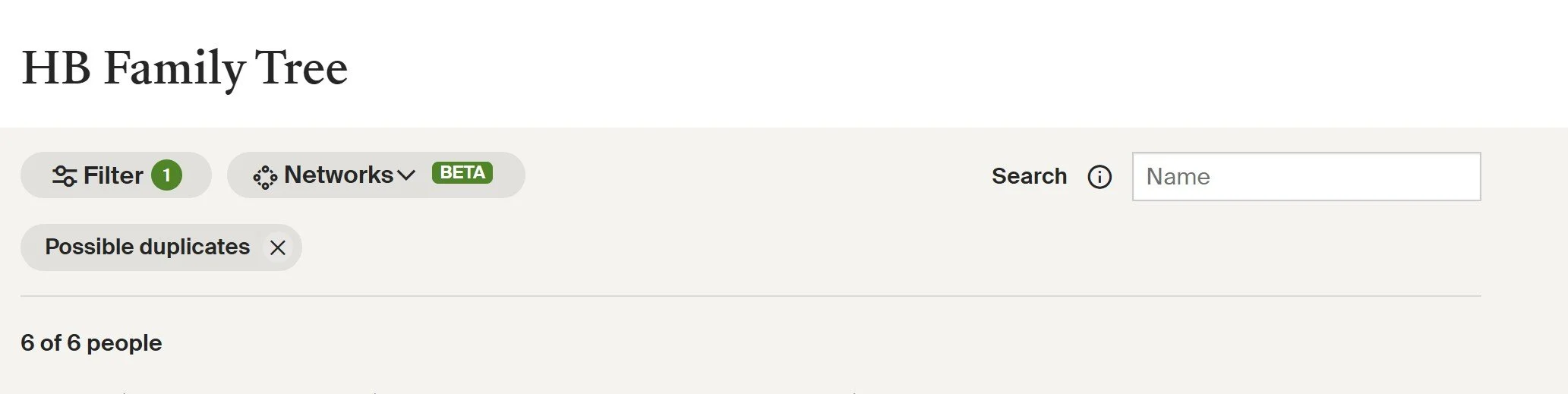
Duplicates Filter
Review Each Suggested Duplicate
Tree Checker will show each possible duplicate pair. Click the small exclamation-point icon to the right of the person’s name to begin reviewing that person. You will see a Review button on the right, which then opens a side-by-side comparison of both profiles.
Here you can check:
names
birth and death dates
locations
spouse and child relationships
attached records
If the information is consistent, the two profiles are almost certainly the same person.

Exclamation Point To Follow to Review Duplicate
How to Merge
When you know the profiles are duplicates, choose which name, date, and details you want to keep, then click Merge. Ancestry will combine the profiles into a single, cleaner entry.
After merging, return to the Tree Checker list. The duplicate should now show as resolved.
Final Thoughts
Duplicate cleanup is a simple but powerful way to strengthen your tree. It keeps your data accurate, prevents future confusion, and ensures that both genealogical research and DNA analysis algorithms behind the scenes work as they should.
Tree Checker does the heavy lifting by surfacing possible problems, but it still takes your judgment to decide what is correct. A few minutes spent on duplicates now can save many hours of confusion later.
If you have not tried the duplicate tool yet, it is one of the easiest ways to improve the quality of your entire tree.
